As businesses in 2025 embrace hybrid and remote work, the demand for remote managed IT support has never been higher. IT systems are more complex than ever, exposing organizations to increased risks of downtime and cyber threats.
Remote managed IT support offers a proactive and cost-effective way to maintain business continuity, keeping operations running smoothly and securely. This article delivers essential insights, best practices, and expert guidance for leveraging remote managed IT support in the year ahead.
You will discover what remote managed IT support is, its key benefits, service models, technology trends, how to choose a provider, and what the future holds for modern businesses.
What is Remote Managed IT Support?
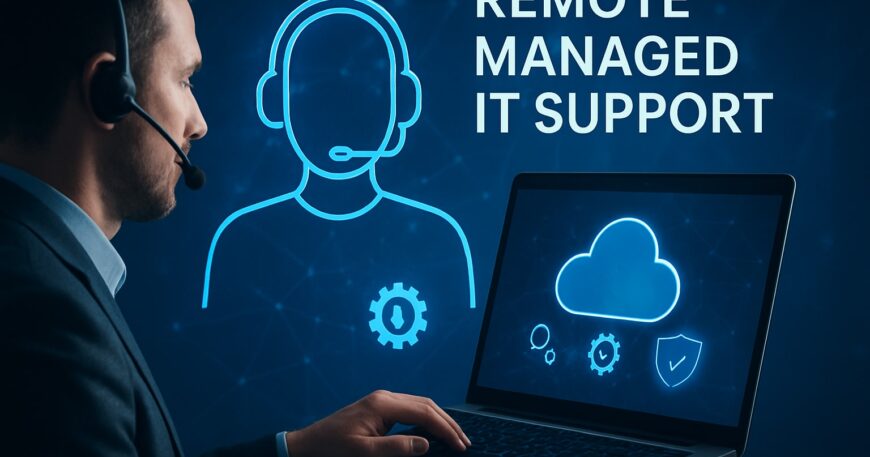
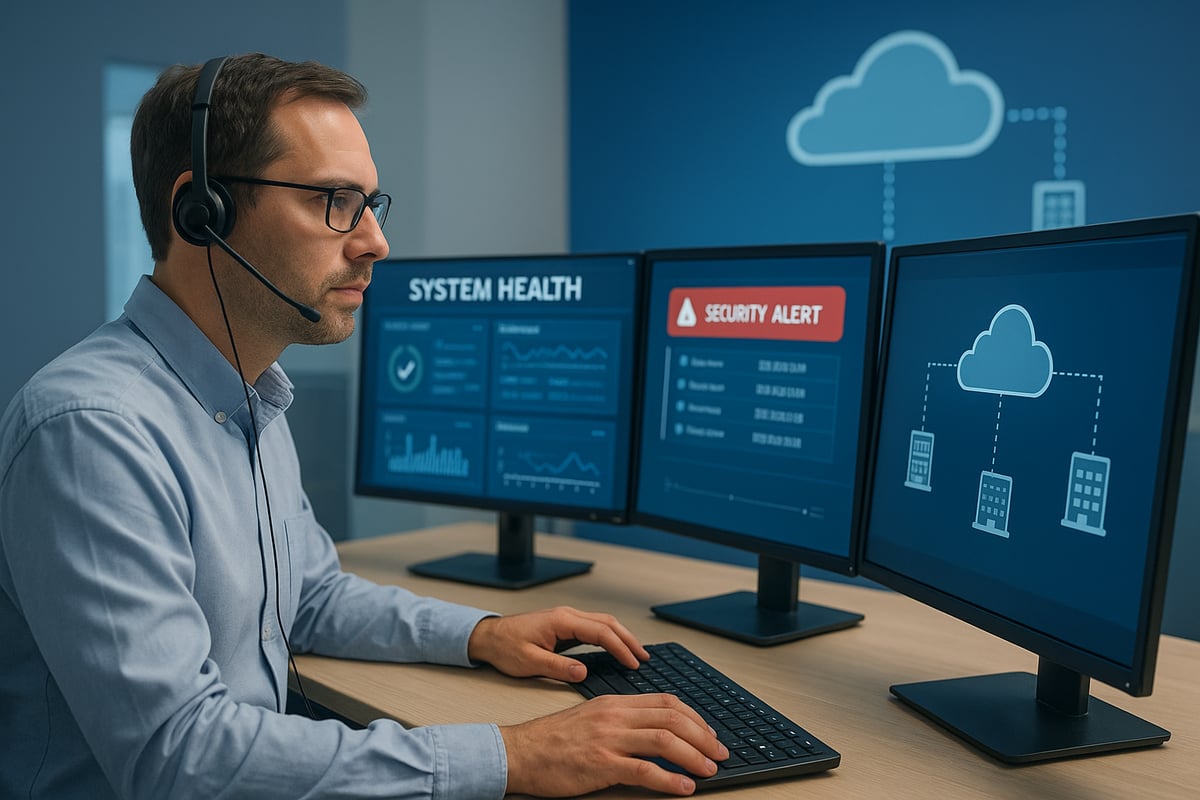
Remote managed IT support has become a cornerstone of modern business operations. Unlike traditional in-house IT, which relies on onsite staff to maintain and troubleshoot systems, remote managed IT support delivers services from a distance using secure internet connections. Providers monitor, maintain, and resolve issues without needing to be physically present.
Core functions include remote monitoring, proactive maintenance, troubleshooting, and end-user support. Typical tasks managed remotely are patch management, system updates, and antivirus deployment. This approach allows businesses to access expert IT help quickly and efficiently, reducing the need for a full internal IT team.
Definition and Core Functions
Remote managed IT support refers to outsourced IT services delivered through secure remote connections. Unlike in-house IT, where staff are onsite, remote managed IT support enables experts to monitor and maintain systems from any location.
Core functions include:
- Remote monitoring of networks and devices
- Preventive maintenance and routine system health checks
- Troubleshooting and resolving user issues remotely
- Patch management and application updates
- Antivirus deployment and threat detection
By relying on remote managed IT support, businesses gain continuous oversight of their IT environments and faster response to incidents.
Evolution of Managed IT Services
The managed IT landscape has evolved rapidly. Traditionally, businesses used a break/fix model, calling for help only when issues arose. Today, remote managed IT support follows a proactive approach, addressing problems before they disrupt operations.
Cloud computing and SaaS adoption have transformed remote support capabilities. Providers can now access, manage, and secure systems from anywhere. The shift to remote and hybrid workforces has further increased demand for remote managed IT support, making it essential for organizations of all sizes.
Key Components of Remote IT Support
Modern remote managed IT support is built on several key components:
- 24/7 monitoring and real-time alerting for all critical systems
- Automated patch management and software updates
- Asset inventory and lifecycle tracking for hardware and software
- Integrated cybersecurity tools to prevent and respond to threats
- Data backup and disaster recovery planning
With these features, remote managed IT support ensures that businesses remain secure, compliant, and resilient against disruptions.
Types of Businesses That Benefit
Remote managed IT support is especially valuable for small and mid-sized businesses that lack dedicated IT teams. It is also critical for industries with strict compliance or uptime requirements, such as healthcare and legal services.
Organizations with distributed or hybrid teams benefit from centralized support and uniform security policies. Spending on remotely managed IT services is projected to grow significantly among SMBs, as highlighted in SMB Spending on Remote IT Services.
Common Myths and Misconceptions
Several misconceptions surround remote managed IT support, including:
- Remote support is less secure than onsite services
- Only large enterprises can benefit
- Businesses lose control over their IT assets
In reality, remote managed IT support offers robust security, scalability, and transparency.
Benefits of Remote Managed IT Support in 2025
Adopting remote managed IT support in 2025 brings significant benefits for businesses of all sizes. As technology evolves and threats grow more sophisticated, organizations need reliable, proactive solutions to stay ahead. Let us explore the key advantages your company can expect from the right remote managed IT support partnership.
Proactive Problem Prevention
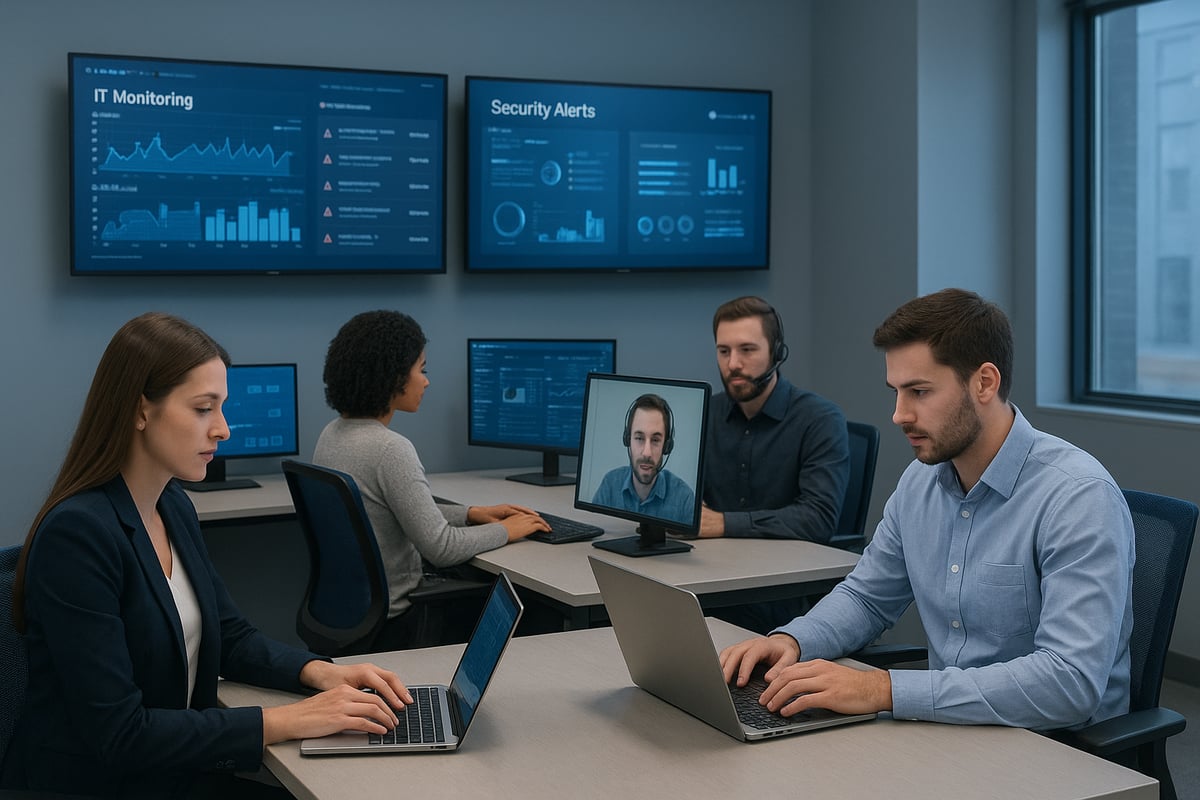
Remote managed IT support delivers continuous monitoring, catching issues before they disrupt business operations. Automated alerts identify anomalies in real time, allowing for rapid intervention to prevent downtime. With AI-driven tools now integrated into many platforms, businesses benefit from intelligent systems that detect vulnerabilities more accurately than manual checks. For example, 24/7 monitoring can uncover security gaps or failing hardware before they escalate. This proactive approach reduces the risk of costly interruptions. To learn more about how AI is transforming proactive IT management, see AI and Automation in IT Management. By leveraging remote managed IT support, organizations maintain operational continuity and minimize unexpected disruptions.
Enhanced Cybersecurity
In 2025, cybersecurity is a top concern for every business. Remote managed IT support integrates advanced security tools, including antivirus, firewalls, and intrusion detection systems, into daily operations. Automated patching ensures that vulnerabilities are addressed swiftly, reducing the window of opportunity for attackers. Recent statistics show that businesses using remote managed IT support experience 50 percent fewer security incidents compared to those without it. This layered security approach safeguards data and builds trust with clients and partners. With remote managed IT support, your business is always protected against evolving threats.
Cost Efficiency and Predictable Budgeting
Remote managed IT support offers clear financial advantages. Instead of incurring unpredictable expenses from break/fix models, businesses pay a fixed monthly fee for comprehensive services. This approach eliminates surprise costs and enables better budgeting. Additionally, outsourcing IT management reduces the need for a large in-house team, freeing resources for other priorities. For example, managed service providers deliver advanced solutions, such as cloud migration and robust security, at a fraction of the cost of building these capabilities internally. With remote managed IT support, companies control costs while accessing enterprise-grade expertise.
Scalability and Flexibility
As businesses grow or experience seasonal changes, their IT needs fluctuate. Remote managed IT support provides unmatched scalability, allowing organizations to add or remove users, devices, and services quickly. This flexibility supports expansion, mergers, or shifts to hybrid work without major infrastructure investments. For instance, law firms and non-profits can scale support up or down to match demand, ensuring resources are always aligned with business goals. Remote managed IT support ensures your technology adapts as your organization evolves.
Increased Productivity and Focus
Managing complex IT systems can drain valuable time and attention from your core business. Remote managed IT support allows your team to focus on what matters most by offloading day-to-day IT management to experts. Issues are resolved quickly, often within hours, minimizing downtime. Employees benefit from responsive helpdesk support and fewer disruptions, leading to higher satisfaction and productivity. With remote managed IT support, your business operates smoothly, empowering your staff to achieve more.
Essential Remote Managed IT Support Services for Modern Businesses
Modern businesses require a robust set of services to keep operations resilient and efficient. As organizations increasingly depend on remote managed it support, understanding the core offerings is essential for making informed decisions and maximizing value.
Remote Monitoring and Management (RMM)
Remote managed it support relies heavily on real-time monitoring tools. RMM solutions continuously track the health of devices and networks, providing automated alerts for any irregularities or failures.
- Proactive detection of issues
- Automated maintenance routines
- Centralized dashboard for IT oversight
This approach prevents costly outages and ensures systems are always up to date. For example, RMM platforms can identify a server problem before it disrupts business, allowing teams to resolve it swiftly.
Cybersecurity and Threat Protection
Security is integral to remote managed it support. Providers implement multi-layered defenses, including antivirus, endpoint protection, and firewalls.
Proactive threat detection and remediation are standard, minimizing risks from malware or unauthorized access. Automated patching closes vulnerabilities quickly, reducing exposure. As remote and hybrid work environments become standard, organizations are increasingly adopting Zero Trust Security Architecture to verify every user and device.
These measures dramatically reduce the risk of cyberattacks, safeguarding critical business data.
Data Backup and Disaster Recovery
Data protection remains a top priority in remote managed it support. Automated, regular backups ensure that critical business information is always secure.
- Scheduled backups to cloud or local storage
- Rapid restoration protocols for business continuity
- Testing of backup integrity
If a ransomware attack or hardware failure occurs, rapid recovery processes restore data and minimize downtime. This proactive stance helps organizations avoid costly interruptions.
Cloud Services and Support
Cloud adoption is a hallmark of remote managed it support. Providers assist with migrating to platforms like Microsoft 365 or Google Workspace, handling everything from setup to ongoing management.
Benefits include:
- Secure, anywhere access to business applications
- Lower hardware costs due to cloud infrastructure
- Scalable resources as business needs evolve
With expert support, companies can confidently leverage the cloud to boost agility and collaboration.
IT Asset and Lifecycle Management
Effective asset management is a vital part of remote managed it support. Providers track hardware and software inventory, manage warranties, and plan for timely upgrades.
Key features:
- Automated alerts for expiring licenses
- Centralized asset inventory
- Lifecycle planning for technology refreshes
This ensures that organizations maintain compliance, avoid unexpected failures, and optimize IT investments.
Helpdesk and End-User Support
Responsive support is essential for remote managed it support. Helpdesks offer 24/7/365 assistance via phone, chat, or email, resolving user issues quickly.
- Remote troubleshooting capabilities
- Fast ticket resolution
- User training and guidance
Most issues are solved within hours, minimizing employee frustration and maintaining productivity.
Delphi Systems Inc.: Local Expertise in Remote Managed IT Support
Delphi Systems Inc. specializes in remote managed it support for small businesses in Lethbridge and nearby regions. Their services include proactive monitoring, robust cybersecurity, cloud computing, and dependable data backup.
Clients benefit from fixed-rate pricing, which simplifies budgeting and offers peace of mind. Delphi Systems Inc. partners with leading technology providers, ensuring access to top-tier solutions tailored to local business needs. Their local presence enables personalized service and a deep understanding of the challenges unique to the region.
How to Choose the Right Remote Managed IT Support Provider
Selecting the ideal remote managed it support provider is a critical decision for your business. The right partner ensures seamless IT operations, resilience, and security as you navigate the evolving digital landscape. By following a structured approach, you can align your provider with current needs and future objectives.

Assessing Your Business Needs
Begin by evaluating your unique requirements for remote managed it support. Identify your current IT challenges, such as outdated systems, frequent downtime, or cybersecurity vulnerabilities.
Consider your organization’s growth plans. Will you need scalable solutions as your team expands or transitions to hybrid work? Assess compliance and uptime needs, especially if you operate in regulated sectors like healthcare or finance.
For example, a healthcare clinic may prioritize HIPAA-compliant support and rapid response times. By understanding these factors, you can ensure your remote managed it support aligns with your goals and regulatory demands.
Key Criteria for Provider Evaluation
When comparing remote managed it support providers, focus on expertise, experience, and service breadth.
Key criteria include:
- Proven track record in your industry
- Service level agreements (SLAs) with clear response times
- Comprehensive offerings: monitoring, cybersecurity, cloud, and backup
Look for providers leveraging intelligent, autonomous solutions, such as those described in Agentic Services Computing. Advanced automation and proactive monitoring can set providers apart, reducing manual intervention and improving reliability.
Always request client testimonials and case studies to validate the provider’s effectiveness for businesses like yours.
Comparing Pricing Models and Contracts
Understanding pricing structures is essential when choosing remote managed it support. Providers may offer:
- Fixed monthly fees for predictable budgeting
- Variable or usage-based pricing for flexibility
- Minimum contract terms and potential hidden fees
Here’s a quick comparison:
| Model | Pros | Cons |
|---|---|---|
| Fixed Fee | Predictable costs | Less flexible |
| Usage-Based | Scalable, flexible | Variable monthly spend |
For small businesses, predictable costs simplify budgeting and financial planning. Always clarify contract terms before signing to avoid surprises.
Importance of Proactive and Responsive Support
Responsive, proactive support is the foundation of effective remote managed it support. Ensure your provider offers 24/7 monitoring and a helpdesk that can resolve issues quickly.
A provider with a history of rapid response and minimal downtime will help maintain productivity. For example, businesses with reliable remote managed it support experience fewer disruptions, allowing employees to focus on their core activities.
Check for strong client testimonials and ask about the provider’s escalation process, guaranteeing you receive timely assistance when it matters most.
Security, Compliance, and Data Protection
Security and compliance are non-negotiable in remote managed it support. Confirm your provider uses up-to-date security protocols and tools, including:
- Advanced firewalls and antivirus
- Automated patch management
- Data encryption and regular backups
If you operate in a regulated industry, ensure the provider understands frameworks like GDPR or HIPAA. Robust backup and disaster recovery capabilities are essential for business continuity and data integrity.
Partnering with a provider who prioritizes these aspects will protect your business from threats and regulatory penalties.
Emerging Trends and Technologies in Remote Managed IT Support for 2025
Staying ahead of technology shifts is vital for any business relying on remote managed it support. In 2025, several emerging trends are shaping the future of IT operations, driving efficiency, security, and user satisfaction. These innovations are transforming how organizations protect assets, manage devices, and support distributed teams.
AI and Automation in IT Management
Artificial intelligence is revolutionizing remote managed it support by enabling faster, smarter decision-making. AI-driven monitoring tools analyze massive data streams, flagging anomalies and predicting issues before they disrupt business.
Automation handles routine tasks such as patch management, software updates, and incident response. For example, automated scripts can deploy security patches across hundreds of endpoints within minutes, reducing manual effort and human error.
A typical workflow might use AI algorithms to detect unusual network activity, then automatically trigger a remediation process. This proactive approach frees IT teams to focus on strategic projects, while reducing downtime and risk. As AI capabilities advance, remote managed it support becomes even more efficient and responsive.
Zero Trust Security Models
Zero Trust is rapidly becoming the standard for remote managed it support security. Unlike traditional models that trust users or devices inside the network, Zero Trust requires continuous verification of every access request, regardless of location.
With a Zero Trust approach, identity, device health, and user behavior are constantly evaluated. This model minimizes attack surfaces and limits the potential damage of compromised credentials.
SMBs are adopting Zero Trust strategies to safeguard remote workers and cloud resources. By integrating identity-based controls and conditional access policies, remote managed it support providers help clients maintain robust security in a world where perimeters no longer exist.
Unified Endpoint Management (UEM)
Managing diverse devices is a challenge for any organization using remote managed it support. Unified Endpoint Management (UEM) solutions provide a single platform to control desktops, laptops, tablets, and smartphones.
With UEM, IT teams can enforce security policies, deploy applications, and track device health from a centralized dashboard. Features like remote wipe and automated compliance checks help protect sensitive data if a device is lost or stolen.
| Feature | UEM Benefit | Traditional Management |
|---|---|---|
| Centralized control | Yes | No |
| Remote wipe | Yes | Limited |
| Multi-OS support | Yes | No |
By consolidating endpoint management, remote managed it support teams boost efficiency and reduce complexity for modern businesses.
Cloud-Native IT Operations
Cloud-native technologies are at the core of remote managed it support in 2025. More organizations are shifting to cloud infrastructure and SaaS applications, seeking agility and scalability.
Managed service providers now oversee hybrid and multi-cloud environments, ensuring seamless integration and performance. This approach allows businesses to scale resources up or down as needed, without major hardware investments.
Cloud-native operations also enhance disaster resilience. Automated failover and backup systems mean data and applications remain accessible even during local outages. With remote managed it support, companies can respond quickly to changing demands and maintain business continuity.
Compliance Automation and Reporting
For regulated industries, compliance is a major concern in remote managed it support. New tools automate compliance checks, monitor data flows, and generate audit-ready reports.
Automated systems continuously scan for policy violations and flag issues for resolution. This reduces the risk of costly fines and reputational damage.
Providers offer dashboards that track compliance status and document remediation steps. With these capabilities, remote managed it support teams help clients maintain regulatory standards without manual effort.
Enhanced User Experience and Self-Service
Modern remote managed it support emphasizes user empowerment and satisfaction. Self-service portals and chatbots allow employees to resolve routine IT issues quickly, without waiting for technician assistance.
Personalized dashboards provide users with system status, ticket updates, and helpful resources. This transparency improves engagement and reduces frustration.
For example, a user can reset a forgotten password through a secure portal, or get answers from an AI-powered chatbot 24/7. By streamlining support, businesses enjoy higher productivity and happier teams.
Best Practices for Maximizing Value from Remote Managed IT Support
Maximizing the value of remote managed it support requires a clear strategy and attention to detail. By following industry best practices, organizations can ensure seamless operations, robust security, and ongoing alignment with business objectives. The following practical steps help businesses get the most from their investment in remote managed it support.
Establish Clear Communication Channels
Effective communication is the backbone of successful remote managed it support. Define escalation paths for critical incidents so everyone knows who to contact and when. Utilize centralized ticketing systems that allow teams to track the status of IT requests in real time.
Regular check-ins and performance reviews with your provider help maintain transparency. Set clear expectations about response times and service levels. By creating an open feedback loop, businesses can quickly address concerns and adapt processes to meet evolving needs. This ensures that remote managed it support consistently aligns with organizational goals.
Maintain Up-to-Date IT Asset Inventory
Keeping a current inventory of hardware, software, and licenses is essential for remote managed it support. Automated tracking tools simplify this process by providing real time visibility into your IT environment.
Set up alerts for upcoming renewals, license expirations, and hardware vulnerabilities. Accurate inventory management reduces the risk of security gaps caused by outdated equipment or software. It also streamlines planning for upgrades and replacements, ensuring resources are allocated efficiently. With remote managed it support, maintaining a robust asset inventory prevents costly surprises and supports compliance efforts.
Prioritize Cybersecurity Hygiene
Strong cybersecurity hygiene is non negotiable in today’s threat landscape. Regularly train employees on phishing, social engineering, and safe online practices. Enforce strict password policies and require multi factor authentication across all systems.
Conduct routine vulnerability assessments and penetration testing to identify and address weaknesses before they can be exploited. Remote managed it support teams often provide ongoing monitoring and rapid threat response. By prioritizing cybersecurity hygiene, organizations dramatically lower their risk profile and safeguard sensitive data from potential breaches.
Leverage Automation and Monitoring Tools
Automation is a powerful ally in remote managed it support. Use automated backups, patching, and routine maintenance to ensure critical tasks are completed on schedule, reducing human error and oversight.
Deploy monitoring tools that continuously scan for potential issues and trigger alerts when anomalies occur. For example, automated patching helps close security gaps quickly, while real time monitoring detects system failures before they disrupt business operations. Embracing automation within remote managed it support allows IT teams to focus on strategic projects rather than repetitive maintenance.
Collaborate on Strategic IT Planning
For remote managed it support to deliver maximum value, collaboration between internal stakeholders and providers is key. Align IT initiatives with broader business goals, such as digital transformation or expansion plans.
Involve your support partner in technology roadmap discussions. Jointly plan major upgrades, cloud migrations, or security enhancements to ensure seamless execution. This strategic approach enables organizations to leverage remote managed it support not just for maintenance, but as a driver of innovation and competitive advantage.
Review and Optimize Service Levels Regularly
Continuous improvement is vital for any remote managed it support relationship. Regularly review service level agreement (SLA) performance and support metrics to identify strengths and areas for enhancement.
Solicit feedback from end users to understand their experience and satisfaction. Adjust service offerings as your business evolves, scaling up or down as needed. By making data driven decisions and maintaining open communication, organizations ensure that remote managed it support remains responsive, efficient, and aligned with long term objectives.
As you think about how to keep your business secure and efficient in 2025, it’s clear that reliable remote managed IT support is more important than ever. We’ve covered how proactive monitoring, robust cybersecurity, and predictable costs can help you focus on what you do best—running your business—while experts handle the rest behind the scenes. If you’re ready to take the next step in safeguarding your IT infrastructure and want guidance tailored to your needs, let’s connect and discuss your options. For friendly, local support you can trust, Call us now.

