
Building a robust small business network represents one of the most critical investments any growing company can make in 2026. Your network infrastructure serves as the backbone for daily operations, connecting employees, devices, and cloud services while enabling seamless communication and data sharing. Without proper planning and security measures, even a well-intentioned network can become a liability rather than an asset. Understanding the fundamentals of network design, security protocols, and ongoing maintenance helps business owners make informed decisions that support growth while protecting valuable company data.
Understanding Small Business Network Fundamentals
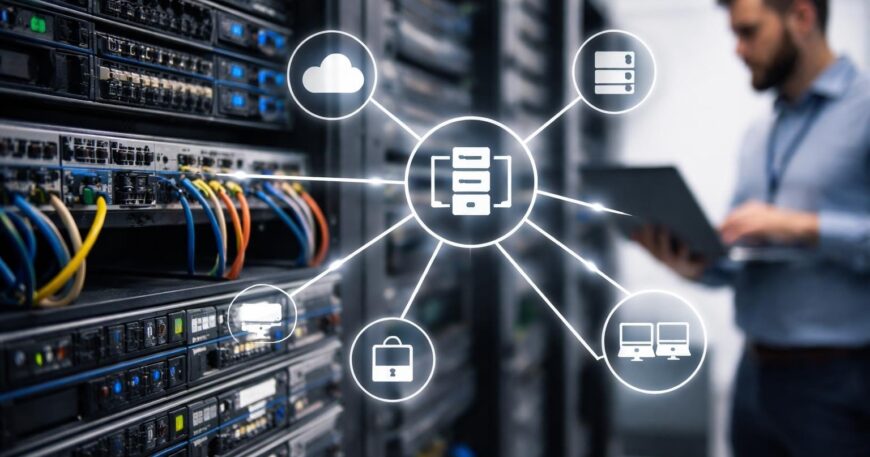
A small business network consists of interconnected devices, servers, and internet connections that allow employees to share resources and access critical applications. The network architecture typically includes routers, switches, wireless access points, firewalls, and the cabling or wireless protocols that connect them.
Core Components Every Network Needs
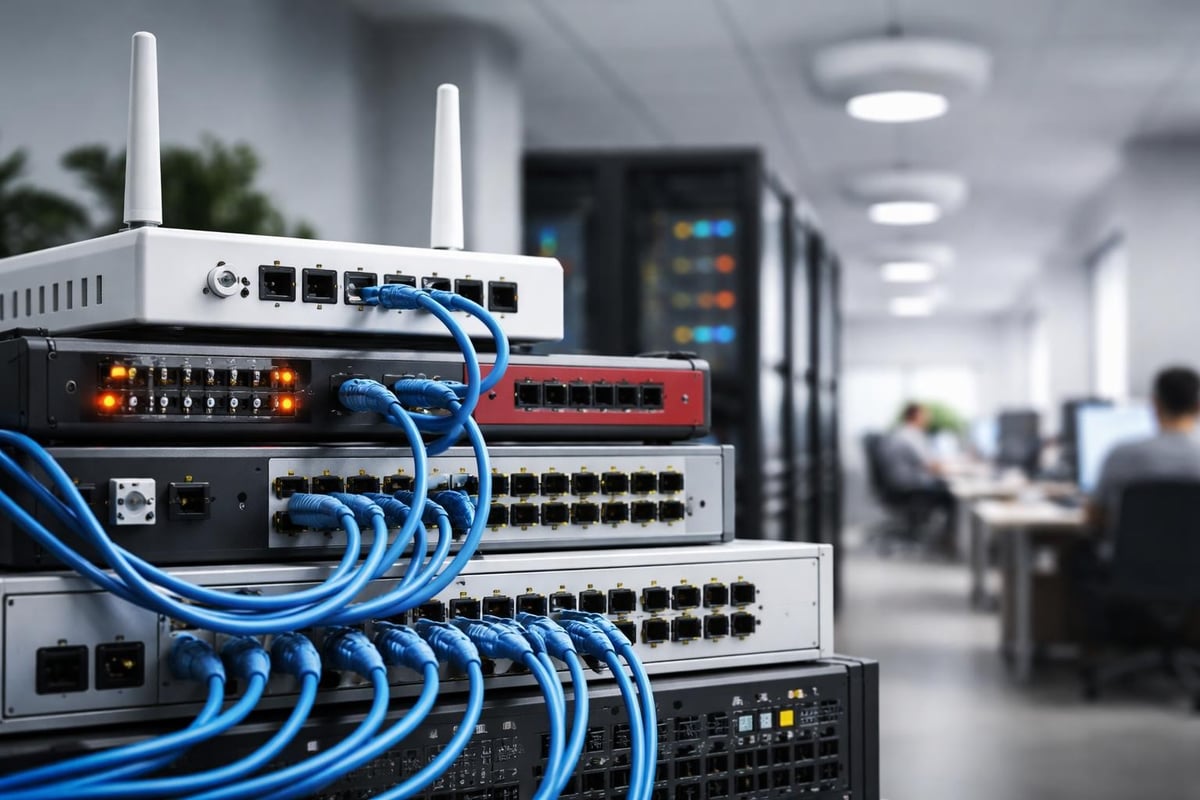
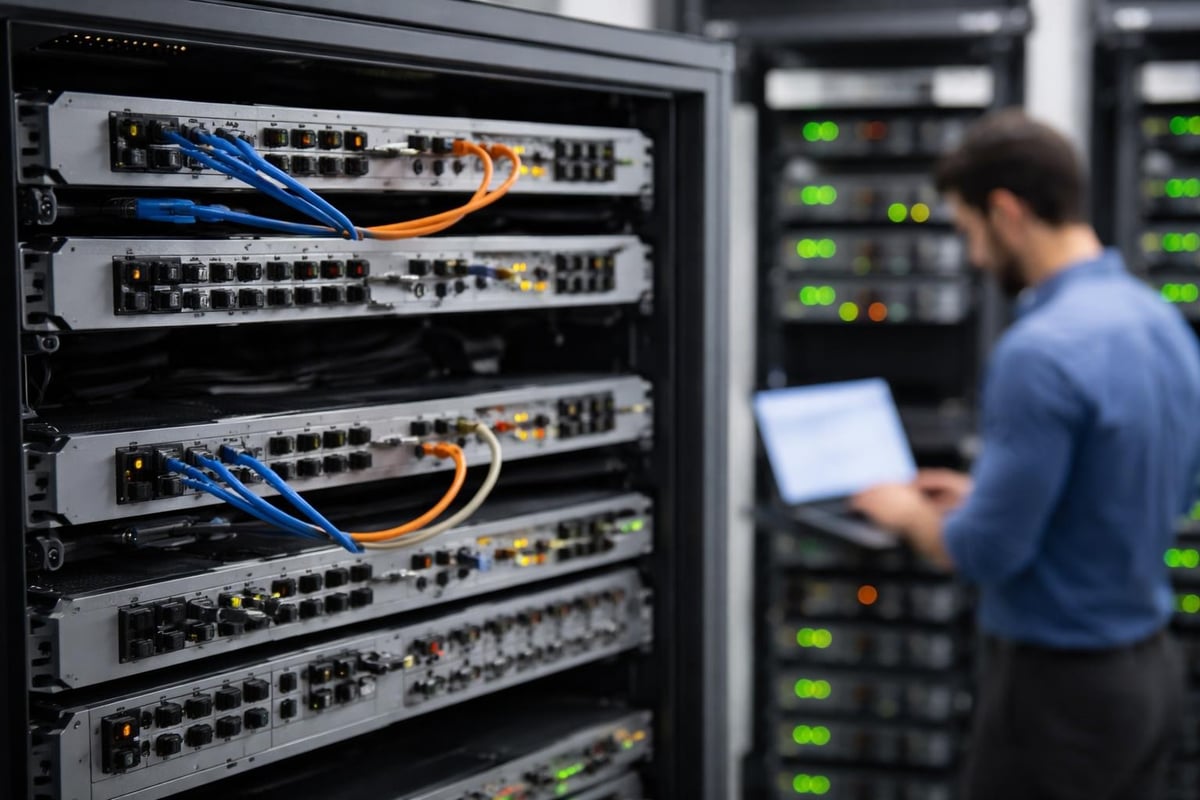
Modern network infrastructure requires several essential elements to function effectively. Your router serves as the gateway between your internal network and the internet, directing traffic and managing connections. Switches connect multiple devices within your office, creating a local area network (LAN) that enables file sharing and printer access.
Critical hardware components include:
- Business-grade router with advanced security features
- Managed switches for traffic control and monitoring
- Enterprise wireless access points for reliable Wi-Fi coverage
- Network-attached storage (NAS) for centralized file management
- Uninterruptible power supply (UPS) to prevent outages
- Redundant internet connections for business continuity
Firewalls provide the first line of defense against external threats, filtering incoming and outgoing traffic based on predetermined security rules. Many businesses implement both hardware and software firewalls for layered protection.
Wired vs Wireless Infrastructure
Choosing between wired and wireless connectivity depends on your specific business needs and physical workspace layout. Wired connections using Ethernet cables offer faster speeds, more reliable connections, and enhanced security compared to wireless alternatives.
| Connection Type | Speed | Security | Flexibility | Best For |
|---|---|---|---|---|
| Wired Ethernet | 1-10 Gbps | High | Low | Fixed workstations, servers |
| Wi-Fi 6 | Up to 9.6 Gbps | Medium | High | Mobile devices, open offices |
| Wi-Fi 6E | Up to 9.6 Gbps | Medium-High | High | Dense environments, IoT devices |
However, wireless networks provide the flexibility employees need for mobile work and collaboration spaces. Most businesses implement a hybrid approach, using wired connections for stationary equipment and wireless access for laptops, tablets, and smartphones.
Securing Your Small Business Network
Network security represents the most pressing concern for businesses operating in today's threat landscape. According to the Federal Trade Commission’s cybersecurity guide, small businesses face increasing risks from ransomware, phishing attacks, and data breaches that can cripple operations.
Implementing Multi-Layered Security
A comprehensive security strategy employs multiple defensive layers to protect against various attack vectors. Start by segmenting your network into distinct zones, separating guest Wi-Fi from internal business systems and isolating sensitive data on secure subnets.
Essential security measures include:
- Deploy next-generation firewalls with intrusion prevention
- Enable WPA3 encryption on all wireless networks
- Install and maintain enterprise antivirus software
- Implement virtual private networks (VPN) for remote access
- Configure automated security patch management
- Establish role-based access controls for data protection
Following Cisco’s network security checklist helps ensure you address critical vulnerabilities systematically. Regular security audits identify gaps before attackers exploit them.
Password Policies and Authentication
Weak passwords remain one of the most common entry points for cybercriminals. Establishing strict password requirements across your small business network reduces unauthorized access risk significantly.
Multi-factor authentication (MFA) adds an essential second verification step beyond passwords. Even if credentials are compromised, MFA prevents unauthorized access by requiring additional verification through mobile apps, security tokens, or biometric scans.
Consider implementing a password manager to help employees create and store complex passwords securely. This eliminates the temptation to reuse passwords across multiple systems or write them down where they can be discovered.
Network Design and Planning Strategies
Proper planning prevents costly redesigns and ensures your network infrastructure scales with business growth. Start by assessing current needs and projecting requirements for the next three to five years.
Bandwidth and Performance Requirements
Understanding bandwidth needs helps prevent bottlenecks that slow productivity. Calculate required bandwidth by considering the number of concurrent users, applications running simultaneously, cloud service usage, and video conferencing demands.
Modern businesses typically require minimum download speeds of 25 Mbps per user for basic operations. However, companies using cloud-based applications, VoIP phone systems, or video collaboration tools should plan for significantly higher capacity.
Bandwidth allocation by activity:
- Email and web browsing: 1-5 Mbps per user
- Cloud application access: 5-10 Mbps per user
- Video conferencing (HD): 2-4 Mbps per stream
- File transfers and backups: 10-50 Mbps (background)
- VoIP phone calls: 100 Kbps per line
Quality of Service (QoS) settings prioritize critical traffic like VoIP calls and video meetings over less time-sensitive activities such as software updates or file downloads.
Scalability and Future Growth
Your small business network should accommodate expansion without requiring complete infrastructure replacement. Modular switch configurations allow adding ports as needed, while managed switches enable remote configuration and monitoring.
Cloud-based network management platforms provide centralized visibility across multiple locations and support rapid deployment of new sites. This approach reduces the need for on-site technical expertise while maintaining consistent security policies.
Monitoring and Maintenance Best Practices
Proactive network monitoring prevents minor issues from escalating into business-disrupting outages. Automated monitoring tools track performance metrics, detect anomalies, and alert administrators to potential problems before users experience impacts.

Establishing Monitoring Protocols
Network monitoring encompasses several critical areas that require continuous oversight. Bandwidth utilization tracking identifies when connections approach capacity limits, allowing you to upgrade before performance degrades.
Device health monitoring ensures routers, switches, and servers operate within normal parameters. Temperature sensors, power supply status, and CPU utilization metrics provide early warning of hardware failures.
| Monitoring Area | Key Metrics | Alert Threshold | Response Time |
|---|---|---|---|
| Bandwidth | Upload/download usage | 80% capacity | 1 hour |
| Device health | CPU, memory, temperature | 90% utilization | Immediate |
| Security events | Failed logins, malware detection | Any occurrence | Immediate |
| Application performance | Response time, availability | 15% degradation | 30 minutes |
Regular log analysis helps identify patterns that might indicate security threats or configuration problems. Automated log aggregation tools consolidate data from multiple sources, making pattern recognition easier.
Patch Management and Updates
Keeping network equipment firmware and software current represents a critical security responsibility. Vulnerabilities discovered in networking hardware and operating systems require prompt patching to prevent exploitation.
Establish a regular maintenance window for applying updates to minimize disruption to business operations. Test patches in a controlled environment before deploying to production systems whenever possible.
As highlighted by NETGEAR’s security best practices, outdated hardware and software create significant vulnerabilities that attackers actively target.
Disaster Recovery and Business Continuity
Network failures can result from hardware malfunctions, natural disasters, cyberattacks, or human error. A comprehensive disaster recovery plan ensures your small business network can be restored quickly with minimal data loss.
Backup Strategies and Implementation
Automated backup systems protect critical business data from accidental deletion, ransomware encryption, and hardware failures. The 3-2-1 backup rule provides a reliable framework: maintain three copies of data on two different media types with one copy stored off-site.
Backup configuration recommendations:
- Hourly snapshots of critical databases and applications
- Daily full backups of file servers and user data
- Weekly backups of system configurations and images
- Monthly archival backups for compliance retention
- Off-site replication to cloud or secondary location
Cloud-based backup services offer automated scheduling, encryption during transfer and storage, and rapid recovery capabilities. Test restoration procedures quarterly to verify backups function correctly when needed.
Redundancy and Failover Systems
Single points of failure create unacceptable risk for businesses dependent on network connectivity. Redundant internet connections from different service providers ensure business continuity if one connection fails.
Load balancing distributes traffic across multiple connections during normal operations while providing automatic failover when outages occur. Dual power supplies, redundant switches, and backup generators protect against infrastructure failures.
Remote Access and Mobile Workforce Support
The shift toward flexible work arrangements requires secure remote access to business resources. Virtual private networks (VPN) create encrypted tunnels between remote devices and your small business network, protecting data transmitted over public internet connections.
VPN Configuration and Security
Business-class VPN solutions support multiple concurrent users while maintaining strong encryption standards. Split-tunneling configurations allow remote workers to access internet resources directly while routing business traffic through the VPN tunnel.
Following Malwarebytes’ security recommendations, implementing VPNs alongside multi-factor authentication significantly reduces remote access vulnerabilities.
Zero-trust network access (ZTNA) represents an emerging alternative to traditional VPNs. This approach verifies every access request regardless of location, providing granular control over resource permissions.
Cloud Integration Strategies
Modern small business networks increasingly rely on cloud services for email, file storage, customer relationship management, and accounting applications. Proper integration requires adequate bandwidth, security protocols, and identity management.
Single sign-on (SSO) solutions streamline access to multiple cloud applications while centralizing authentication controls. This reduces password fatigue and improves security by limiting credential exposure.
Network performance optimization for cloud applications includes implementing SD-WAN technology that dynamically routes traffic through the best available connection based on application requirements and link conditions.
Compliance and Regulatory Considerations
Many industries impose specific requirements for network security and data protection. Healthcare organizations must comply with HIPAA regulations, while businesses handling credit card transactions follow PCI DSS standards.
Documentation and Audit Trails
Maintaining comprehensive network documentation supports troubleshooting, security audits, and compliance verification. Network diagrams showing device interconnections, IP address schemes, and security zones provide essential reference materials.
Change management processes document all network modifications, creating audit trails that explain configuration decisions and track system evolution over time. This documentation proves invaluable during security incidents or compliance audits.
Access logs recording who accessed which resources and when demonstrate accountability and help identify suspicious activity. Retain logs according to industry requirements, typically ranging from 90 days to seven years.
Choosing the Right IT Support Model
Managing a small business network requires specialized expertise that many businesses lack internally. Partnering with managed service providers delivers professional support without the expense of full-time IT staff.
Managed Services vs In-House IT
Cost-benefit analysis helps determine the optimal support model for your organization. Managed IT services provide predictable monthly expenses, 24/7 monitoring, and access to specialized expertise across multiple technology domains.
| Support Model | Monthly Cost | Expertise Breadth | Response Time | Scalability |
|---|---|---|---|---|
| In-house IT | $5,000-$8,000 | Limited to staff skills | Immediate | Difficult |
| Managed services | $1,500-$4,000 | Full technology stack | Guaranteed SLA | Easy |
| Break-fix support | Variable | Project-dependent | No guarantee | None |
Fixed-rate fee structures eliminate surprise costs while incentivizing proactive maintenance that prevents problems rather than simply reacting to failures. This alignment of interests ensures your network receives continuous attention.
For businesses in Lethbridge and surrounding areas, working with local providers offers advantages including on-site response capabilities and understanding of regional business needs. You can explore more technology insights and best practices on the Delphi Systems blog.
Service Level Agreements
Clear service level agreements (SLAs) define response times, resolution commitments, and performance guarantees. Review SLAs carefully to ensure they align with your business requirements and risk tolerance.
Critical systems requiring minimal downtime need aggressive SLAs guaranteeing rapid response and resolution. Less critical infrastructure can accept longer response windows in exchange for lower service costs.
Building and maintaining a secure, efficient small business network requires careful planning, ongoing monitoring, and proactive security measures. From selecting appropriate hardware and implementing layered security to establishing backup procedures and ensuring compliance, each element contributes to a reliable infrastructure that supports business objectives. Delphi Systems Inc. specializes in managing these complex requirements for Lethbridge-area businesses, offering comprehensive IT services with fixed-rate pricing that lets you focus on core business activities while experts handle your network infrastructure, security, and support needs.
